How to Make a Christmas Card from a Photo (Step by Step)
 SantaPhoto
Make a personalized Christmas card from your own photo in a few minutes: choose the photo, pick a design, write your greeting and print or send it.
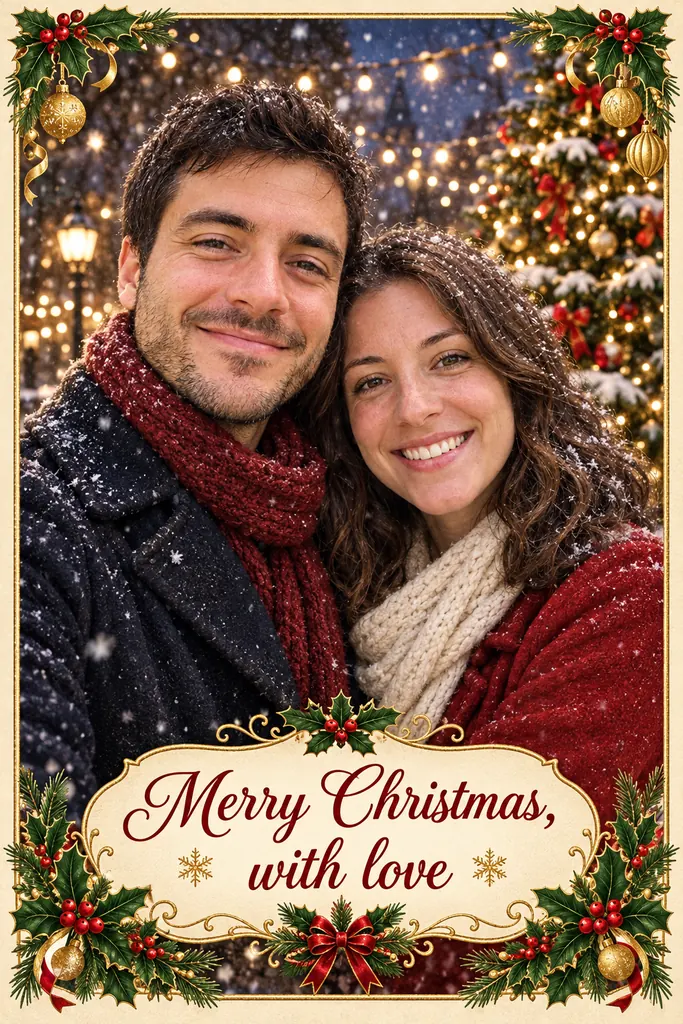
A Christmas card with your own photo on it feels more personal than any store-bought one. You don't need a photo shoot or design software to make one. Here is how to go from a photo on your phone to a finished card.
Two ways to make a photo card
A template editor (like Canva or a print shop) drops your photo into a design exactly as you took it. An AI card generator redraws the people from your photo into a new festive scene, so outfits, lighting and small details change. Pick the template route if the photo itself must stay untouched; pick AI if you don't have the right photo yet. Either way, compare the result with your original before you print.
1. Choose the right photo
The photo matters more than the design. Look for one where:
- Every face is clear and in focus. Avoid sunglasses, hats pulled low and heavy shadows.
- The light is even. Daylight from a window is ideal; harsh flash or strong backlight makes faces look flat.
- Everyone is roughly the same size. People far in the background end up tiny on a card.
Not everyone in one photo? You can use separate photos of each person or household and combine them (more on that below).
2. Pick a card style
Decide on the mood first, then the design:
- Classic and warm: red and gold, the family by the tree. See the family Christmas card.
- Playful: a card "from the dog" with candy canes and bows. See the pet Christmas card.
- Illustrated or claymation: your family turned into a storybook drawing or a clay figure. Good when your photo isn't perfect.
- Modern: a full-bleed snowy photo with clean, simple type.
Want to see finished designs first? Browse the Christmas card templates and open any of them in the generator.
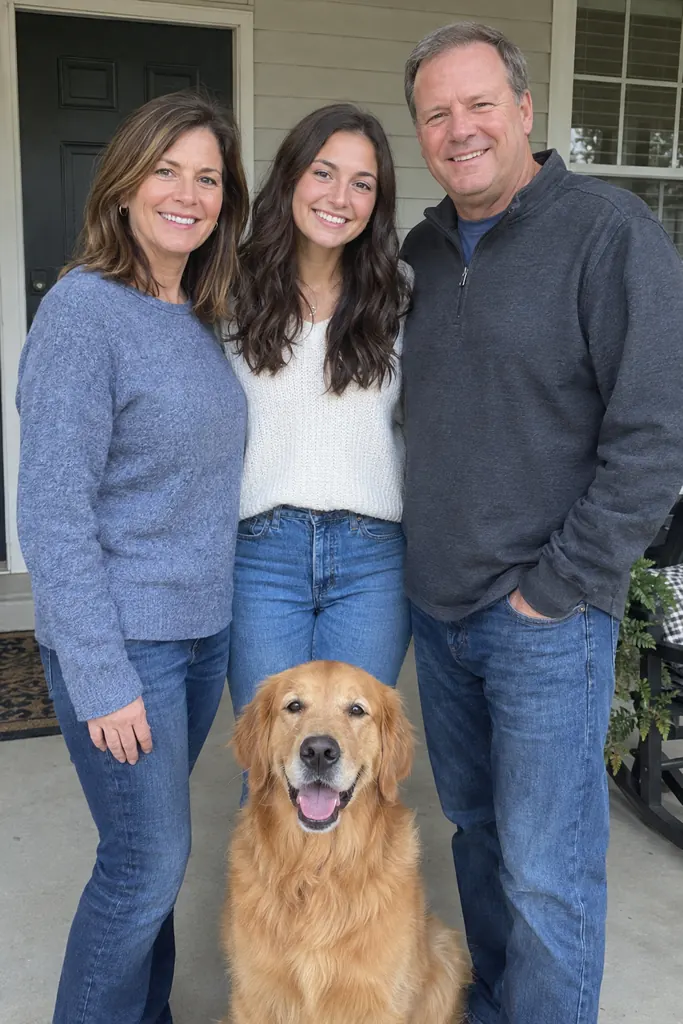
Before
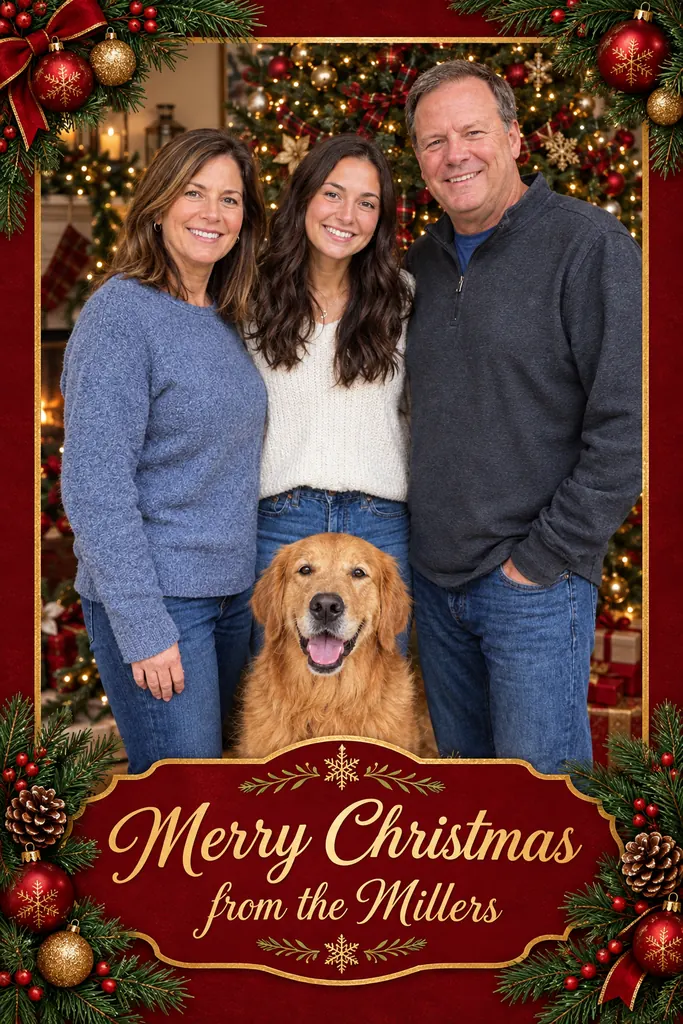
After
3. Write a short greeting
On a photo card, one line plus a name reads best: "Merry Christmas from the Garcias" or "Happy Howlidays from Max". Need ideas? We collected 100 Christmas card messages for family, friends, coworkers and pets.
Check the spelling of every name before you print. It's the most common mistake on holiday cards.
4. Make the card
With an AI card maker, the photo, the design and the text come together in one step:
- Open the AI Christmas card generator.
- Upload your photo, or up to 4 photos if your family is spread across several.
- Pick a card design and type your greeting.
- Choose a size: 3:4 for a portrait card or 4:3 for a landscape one, and 2K or 4K for printing.
- Generate. It takes about a minute, and if a generation fails, its credits are refunded automatically.
The card keeps your faces from the photo and changes the outfits, setting and styling to match the design.
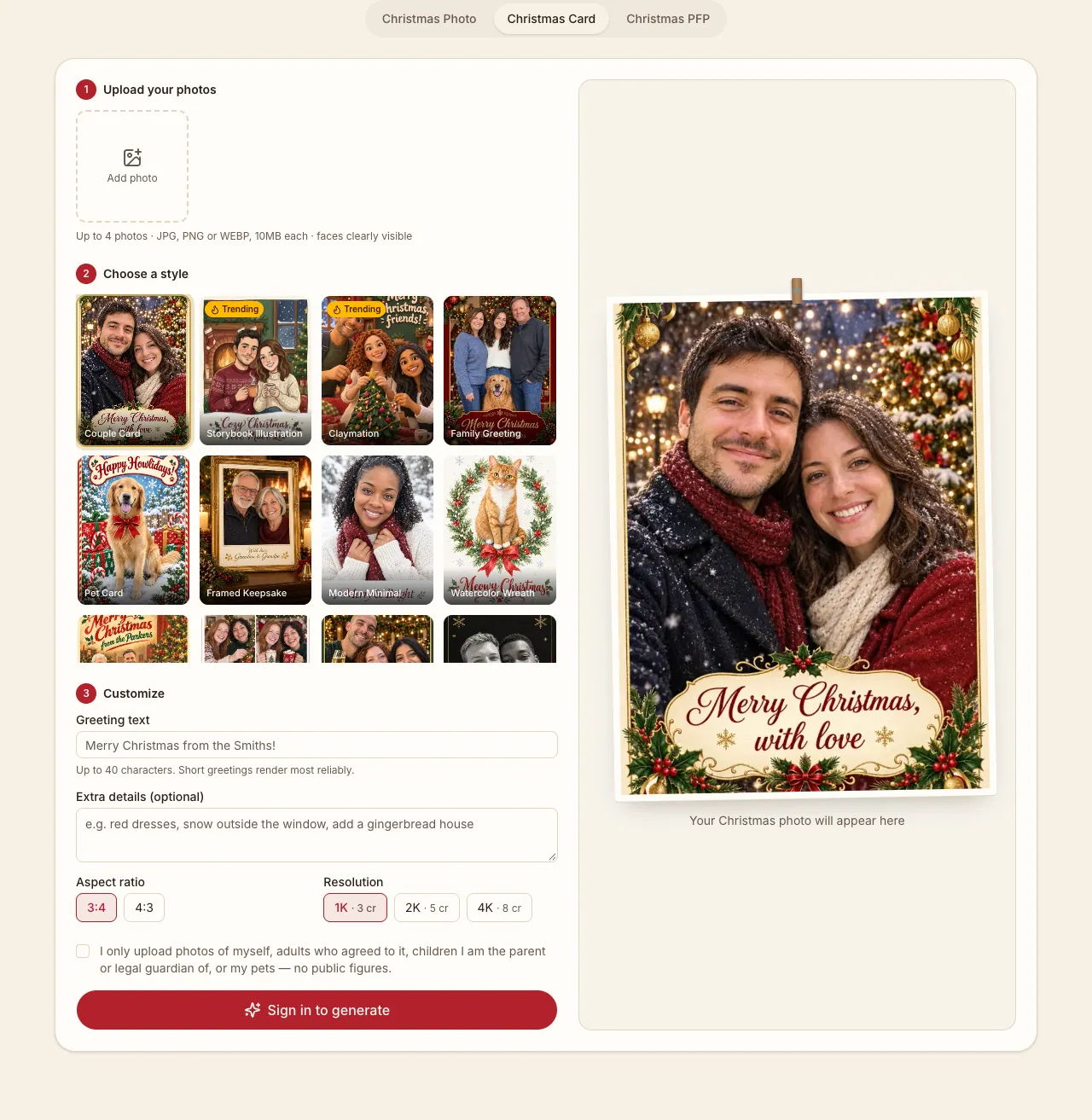
This is the actual card generator before a photo is uploaded. Start with the upload area, choose a style, then set the greeting and output size. Sign in before generating.
5. Print or send it
- Print at home on heavy matte photo paper. Download in 4K for the sharpest result.
- Use a print shop for larger batches. A 3:4 image needs cropping to fill a 5×7 inch card; preview the crop before ordering. The generator exports an image, so use your printer's template for bleed and trim marks.
- Send it digitally by email, WhatsApp or social media. 1K or 2K is plenty for screens.
| Where the card will go | Suggested output | What to check |
|---|---|---|
| Family chat or social post | 1K or 2K | Text remains readable on a phone |
| Small photo print | 2K or 4K | Crop matches the paper size |
| Larger print or print-shop order | 4K | Check pixel dimensions and the printer’s resolution and bleed requirements |
For reference, a 5×7 inch print at 300 pixels per inch needs 1500×2100 pixels before bleed. Check the downloaded file itself rather than relying only on a resolution label. Proofread every name and greeting: AI can misspell text, and a successful generation does not guarantee correct lettering.
Combining people from different photos
Families rarely end up in the same room before the card is due. Upload a separate photo for each person or household (up to 4), and they appear together in a single card. It works for pets too, so the dog doesn't get left out.
Quick checklist
- Clear, well-lit photo (or several)
- Card style chosen
- Greeting written and names spell-checked
- Size picked: 3:4 or 4:3, 4K for print
- Printed or sent before mid-December for international mail
Ready? Make your Christmas card now.