How to Combine Separate Family Photos into One Christmas Photo
 SantaPhoto
Family not together this Christmas? Combine up to 4 separate photos of people and pets into one AI Christmas photo. Real examples, tips, limits and cost.
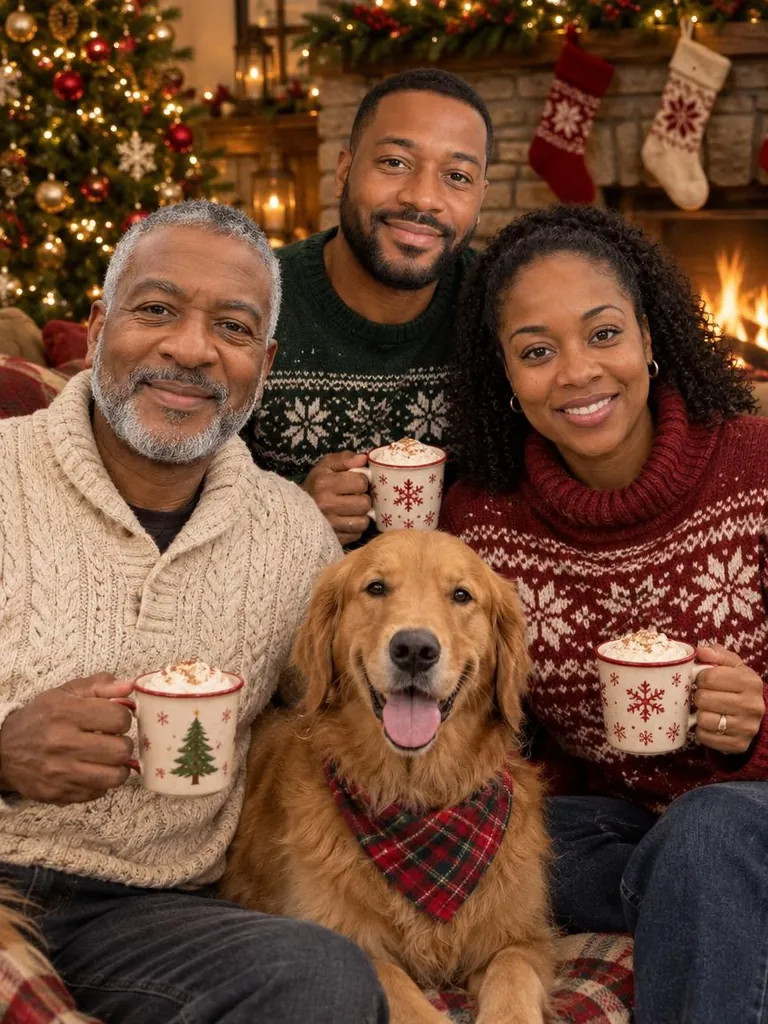
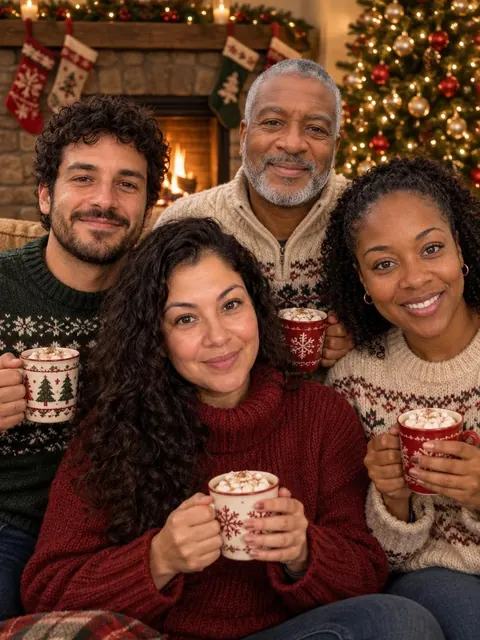
Your family is spread over three cities and nobody will be home at the same time before Christmas. You can still have one Christmas photo of everyone. Upload separate photos of each person or pet, up to 4 photos, and the AI Christmas photo generator places everyone together in one festive scene. Nobody has to be in the same room, and combining photos costs no extra credits.
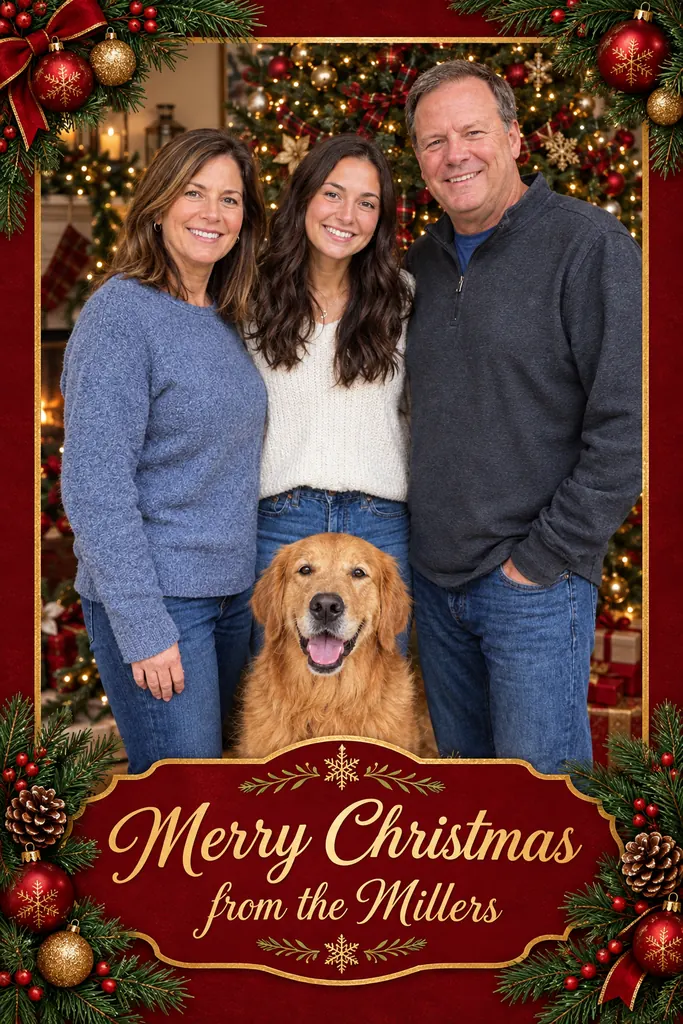
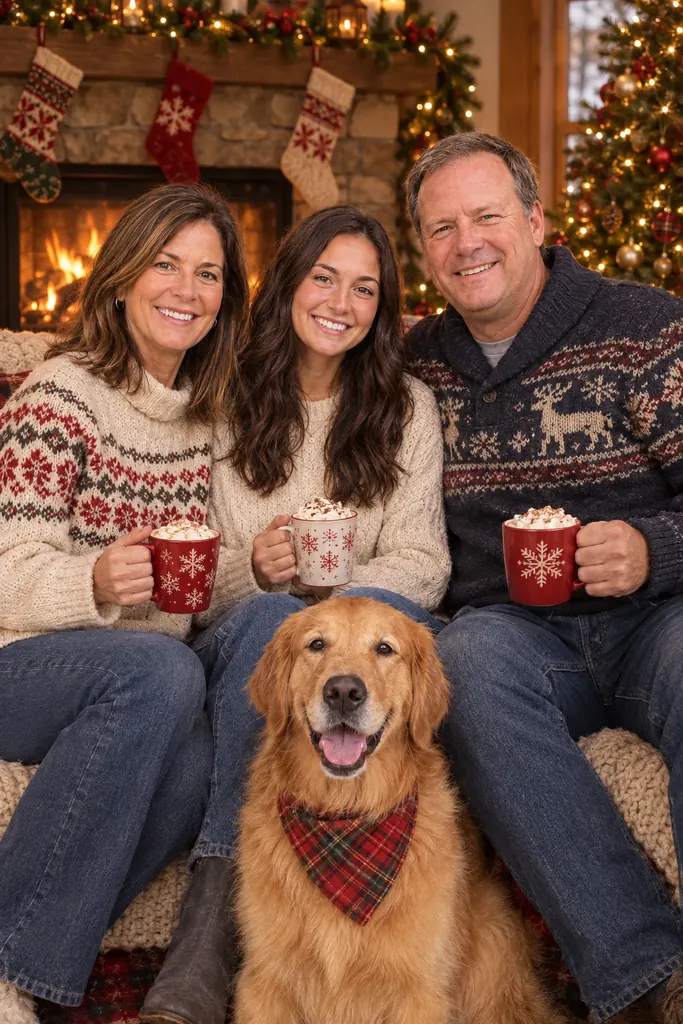
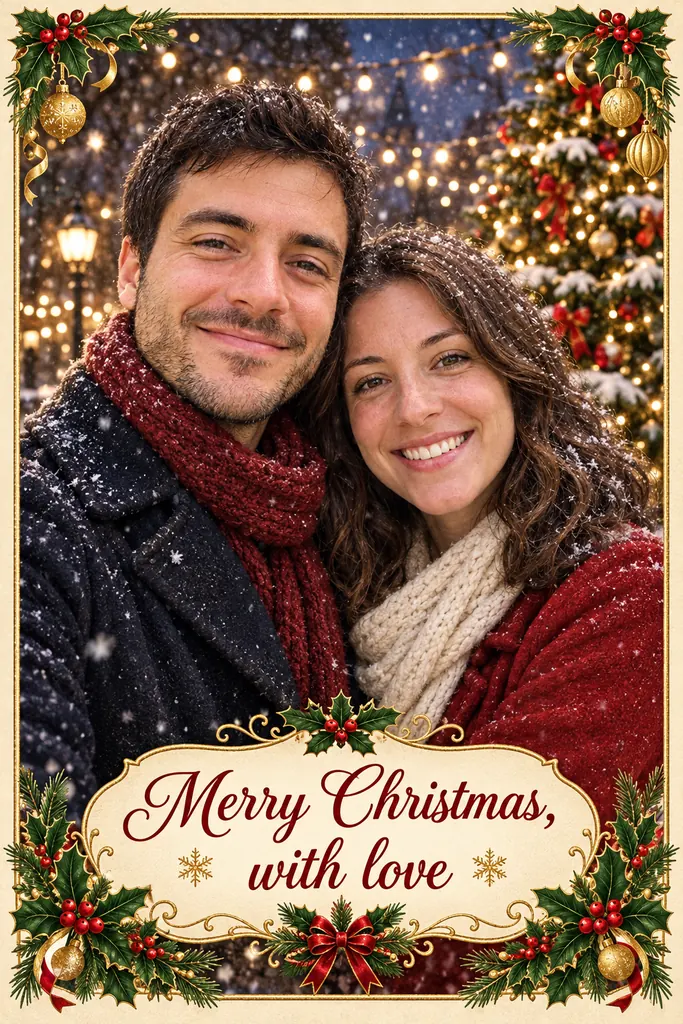
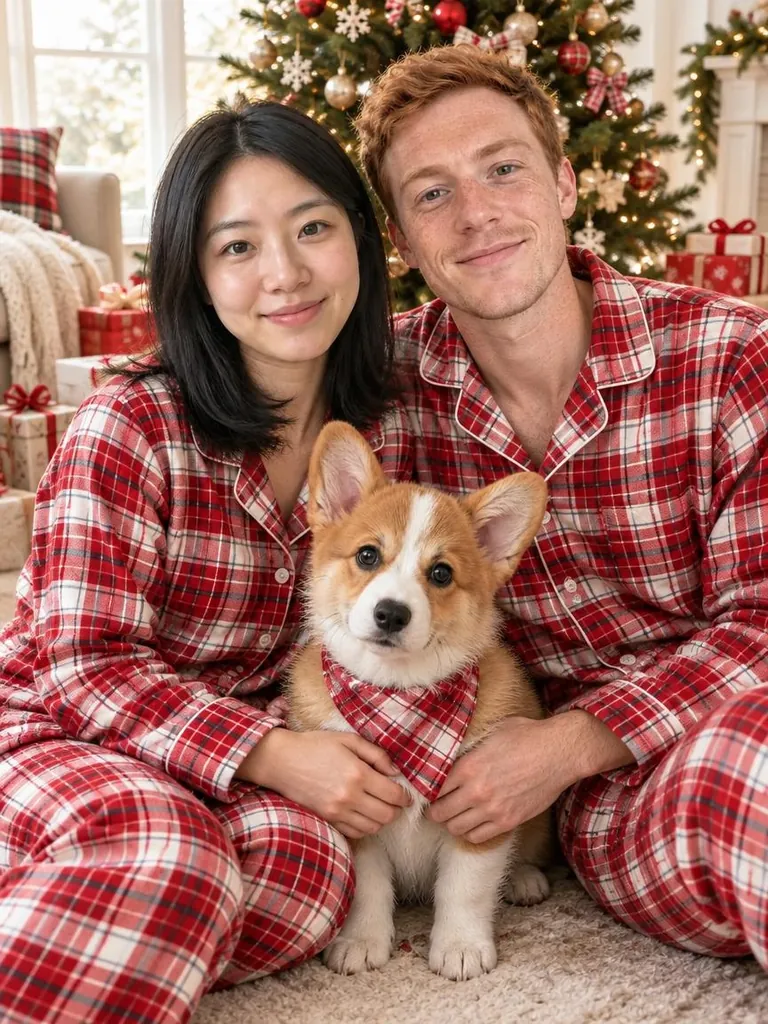
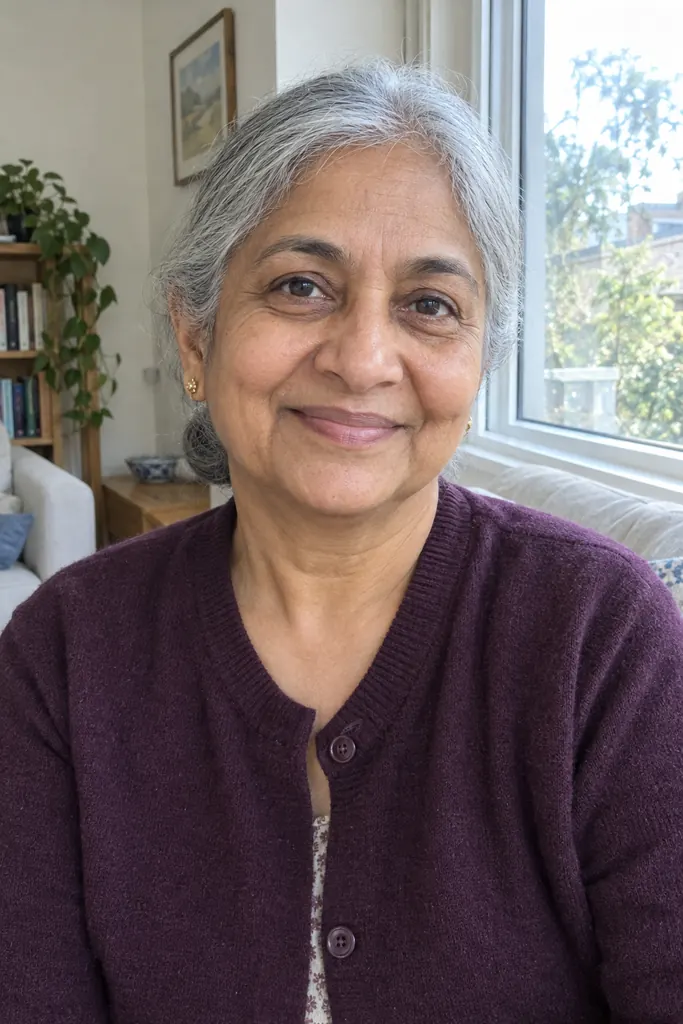
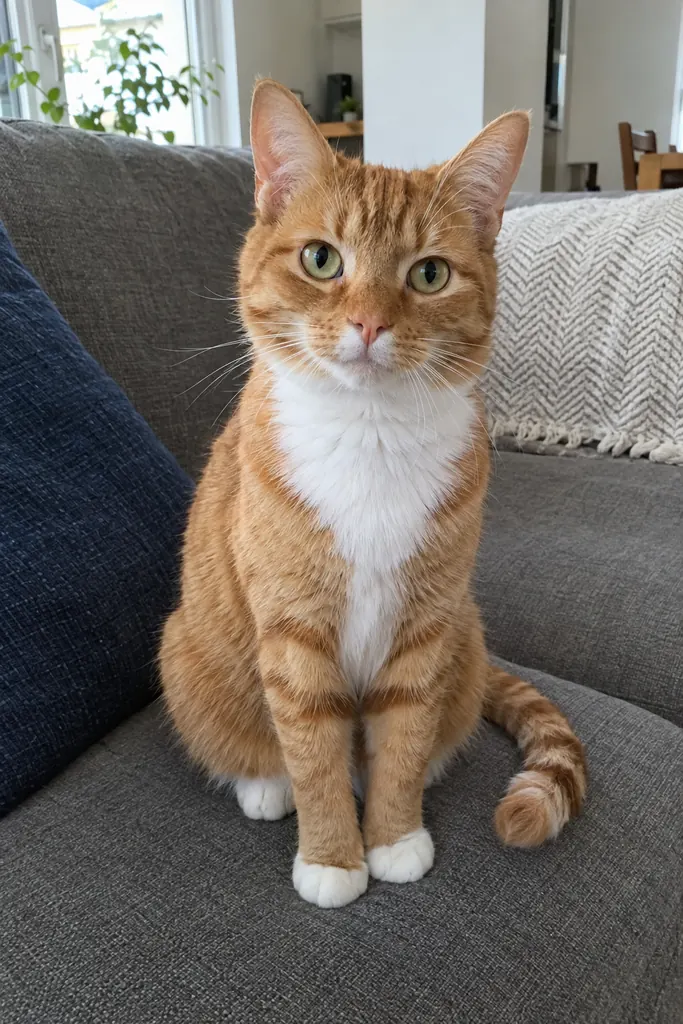
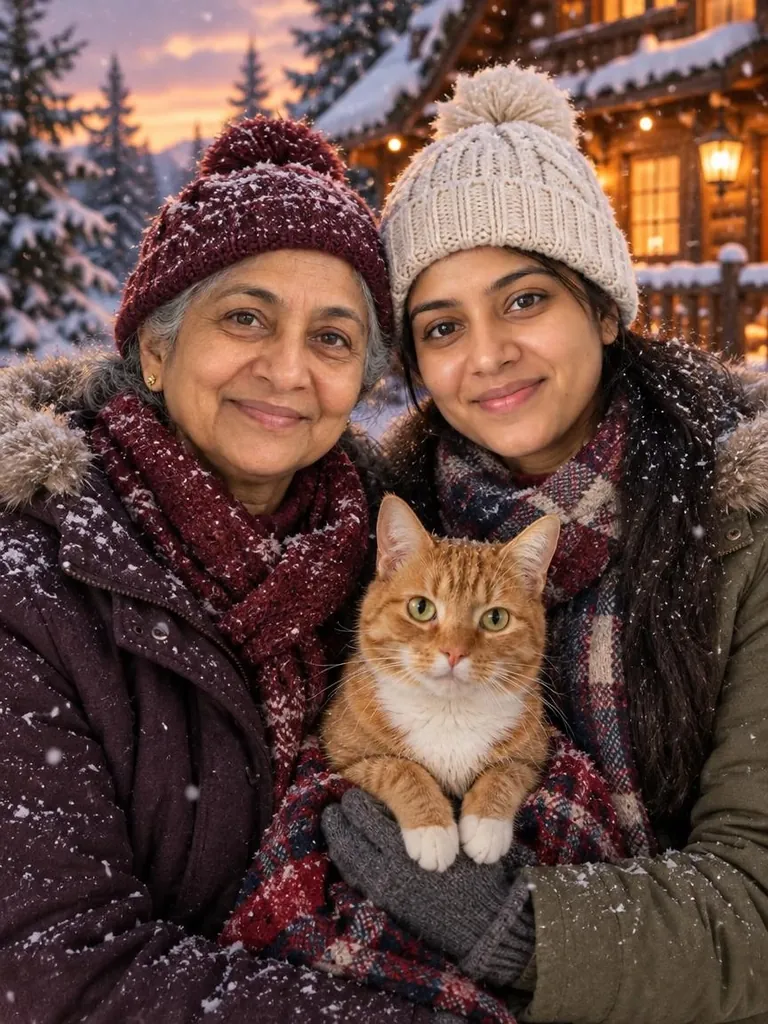
Every example below was made exactly that way: separate photos of people who were never photographed together, run through SantaPhoto with the same settings anyone gets.
How it works
- Upload up to 4 photos. One photo per person or pet works best. A photo that already shows a couple or a group counts as one of the four.
- Pick a Christmas style, such as a cozy fireplace, matching pajamas or a snowy cabin.
- Generate and download. It takes about a minute. Check every face before you share it, and generate again if someone doesn't look like themselves.
Three families, made from separate photos
4 fotos separadas



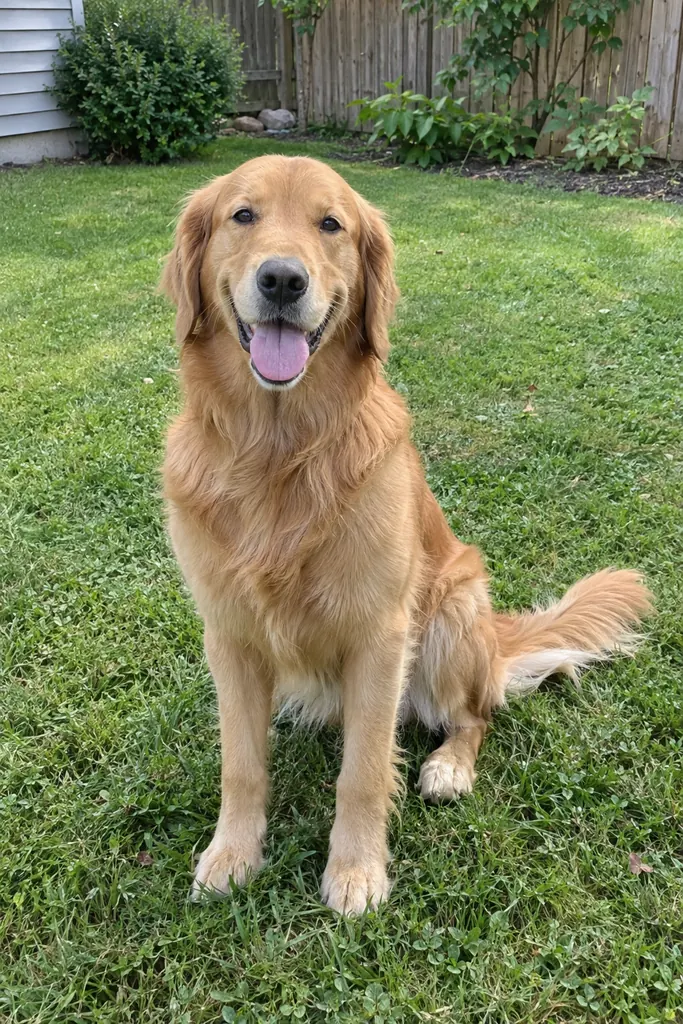
Una foto navideña hecha con ellas
3 fotos separadas
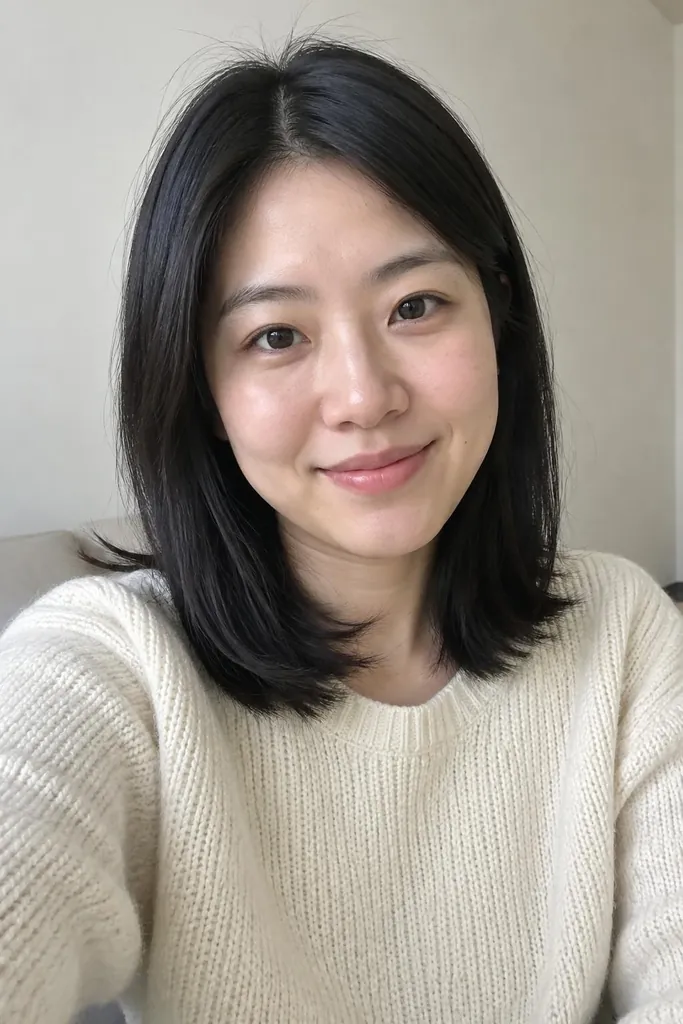

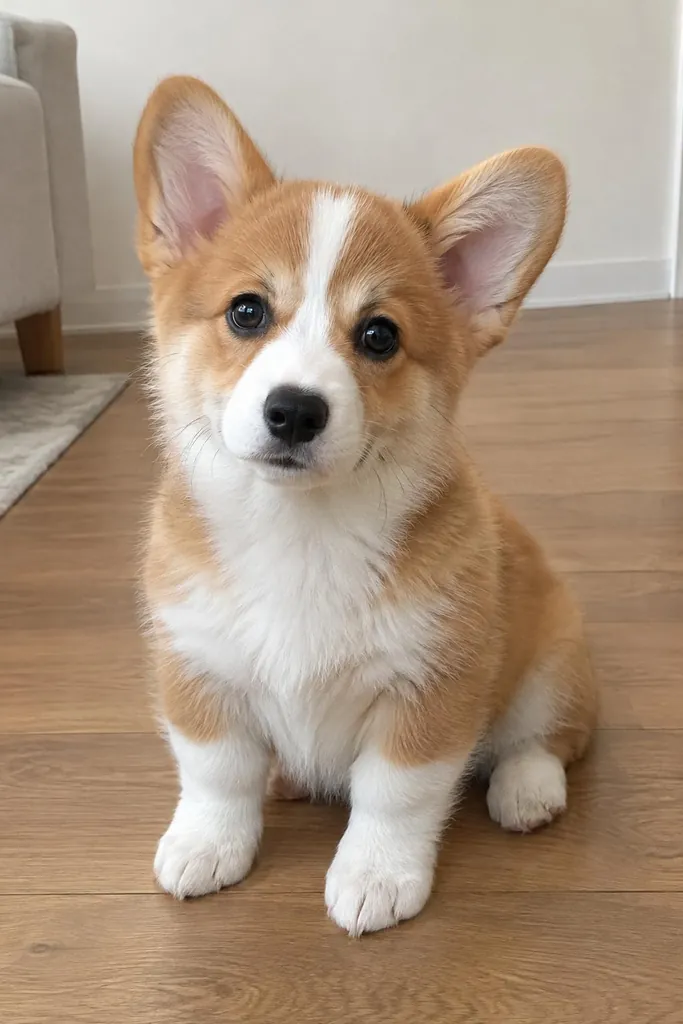
Una foto navideña hecha con ellas
3 fotos separadas

Una foto navideña hecha con ellas
Tips for a natural-looking result
- Use clear, well-lit photos where each face is fully visible, without sunglasses or heavy filters.
- Pick photos with a similar angle and distance. Head-and-shoulders shots of everyone blend best.
- Keep the number of faces sensible. Four photos can include more than four people if some are group shots, but the more faces there are, the smaller each one ends up.
- For pets, use a photo at their eye level where their markings are easy to see. See the pet Christmas photo style for more.
What to expect
AI keeps faces recognizable in most results, but not every time. Faces can shift slightly, and the more people in the picture, the more likely one of them drifts. Compare the result with the original photos and simply generate again if a face looks off. If a generation fails, the credits are refunded automatically.
Only upload photos of people who agreed to it. Photos of children may only be uploaded by their parent or legal guardian.
How much it costs
Combining photos costs the same as a single photo: 3 credits for 1K, 5 for 2K and 8 for 4K. Credits come in one-time packs with no subscription; see pricing.
What happens to the photos
Your photos are only used to create your image. They are never shown publicly and never used to train AI models. Your results are saved to your private My Creations page. Delete a creation there and its generated images and the photos you uploaded for it are permanently erased from our storage.
Turn it into a card
Once you have the family picture, the Christmas card generator can make a card from the same separate photos, with your greeting printed on it.